Step 1: Choose Gameplay Theme
Choose a high-end visual theme for your players. You can change this in your Admin Settings later.

Luxury Dark
Sleek obsidian background with gold highlights and carbon fiber card frames. Ideal for high-stakes VIP events.

Neon Cubes
Vibrant geometric grid featuring glowing cybernetic cubes and neon pink ticket indicators. Perfect for night parties.

Deep Ocean
Serene marine blue aesthetic with bioluminescent accents and soft water-ripple ticket frames.

Emerald Mist
Rich jade green background accented with fine gold lining. Perfect for elegant, upscale family gatherings.

Amber Bokeh
Cozy, warm amber lighting overlay with festive light-bokeh ticket numbers and indicators.

Cotton Candy
Soft pastel blue and pink gradient theme. Bright, light, and sweet for family game sessions.

Green Hills
Fresh country landscape illustration with soft organic shadows and timber-style ticket borders.

Luxury Silk
Smooth champagne silk texture backdrop with premium rose-gold metallic ticket accents.

Sunrise Pastel
Calming morning-horizon gradient background with clean, minimal modern monospace numbers.

Tropical Sun
Bright sunset gradient with clean palm leaf patterns. Perfect for summer beach outings and pool parties.

Urban Night
Deep purple cityscape silhouette with neon orange details. High contrast and highly readable.

Zen Serenity
Peaceful stone-grey wash background with bamboo accents and clean outline ticket slots.
Step 2: Enter Portal Credentials
Define your domain name and admin login details. Fill all credentials carefully.
Step 3: Setup Hosting Fee Payment
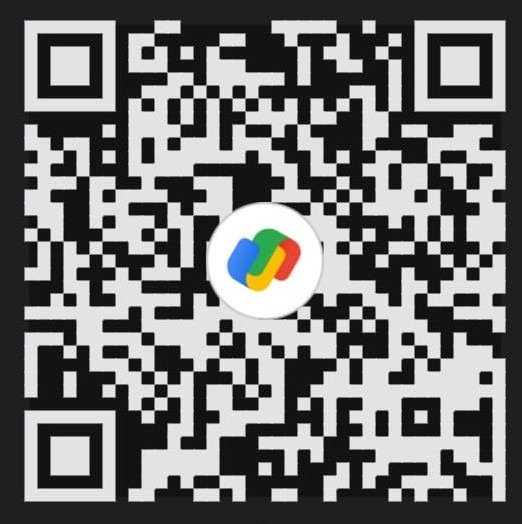
Scan the QR code below via any UPI app (GPay, PhonePe, Paytm) to clear the hosting deployment fee, and upload your payment screenshot.
*Please upload a clear image of your transaction receipt displaying the transaction reference/UTR number. Setup is verified by our team upon submission.
Deployment Initiated!
Your order request and payment receipt have been successfully logged.
- All order details have been securely logged in our system.
- Our team will verify your payment receipt and configure your custom portal.
- You will receive a WhatsApp confirmation on your registered number once your store link is active.